
Simple Techniques for Dynamic Composites
If you have ever wondered how to manipulate images believably and consistently, this 8-hour course will light the way. From how to shoot for a composite, to extensive education in Photoshop including lighting design, advanced coloring, shading, and finishing work, this course leaves nothing out as it goes through the most important parts of Brooke’s process to help you achieve the images you’ve always wanted. No matter if your style differs, or if you don’t have a style yet - you will learn many tools to shoot and edit your own images.
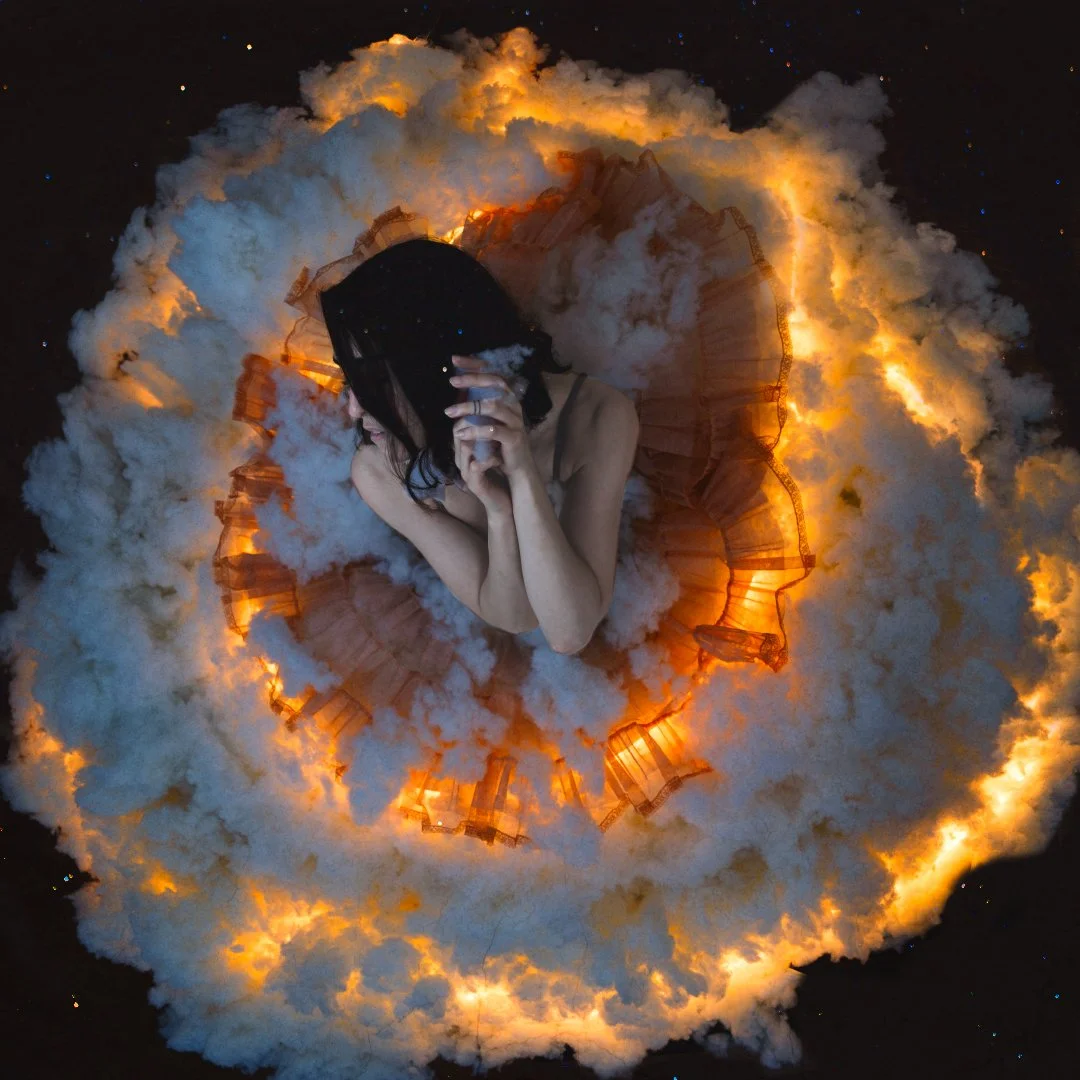
Learn compositing at your own pace from Brooke Shaden, who has been teaching Photoshop and creative photo editing techniques since 2010.
What you’ll receive:
A folder of exclusive stock images, ranging from landscapes to skies to interiors.
A folder of all the images shot during this class for you to practice with.
Lifetime access to Simple Techniques for Dynamic Composites.
8 hours of video content.
What you’ll learn:
How to shoot in-camera for best compositing results.
How to manipulate light both in-camera and in Photoshop.
How to cut people out and move them into new backdrops.
Color grading and creative coloring.
Expanding the frame, maximizing the file for print, and saving for print
How to create believable shadows.
Blending modes, layer masks, and adjustment layers.
How to incorporate stock images, including textures.
How to choose stock images based on angle, lighting, and focus.
And so much more!

This course is for you if:
You are new to Photoshop or you have a decent grasp of Photoshop but want to go deeper.
You want to learn how to create images that composite realistically…consistently.
You want to up your game on coloring your images.
You want to edit non-destructively.
Your composites sometimes feel off, and you’re not sure why.
This course is NOT for you if:
You are looking to edit with AI. This course does not contain any generative AI features or excessive AI assistive features.
You want to learn beauty retouching.
You want to learn Lightroom. This course features only Photoshop.
FAQs
-
This is a lifetime-access course.
-
No. I go over my workspace in this course, so you can set Photoshop up to look the same and follow along!
-
Registration is ongoing, but you have until ________ to buy the course in order to join in our live editing session!
-
I have been a fine art photographer since 2009 and full time since 2010. I sell my work in galleries, have exhibited in museums, and my work has been collected over 400 times. I regularly work with Adobe to teach creative Photoshop techniques, and have been teaching widely since 2010.
-
Yes! You may choose a 6-month plan.